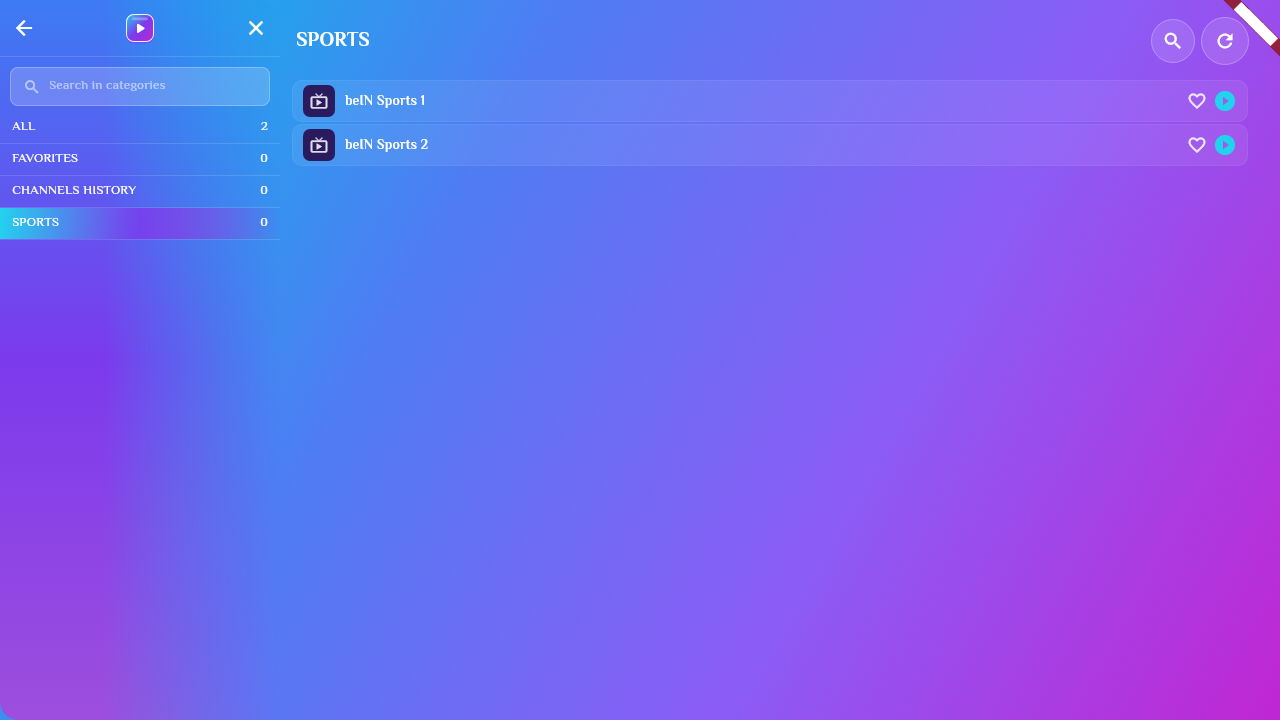
Live TV channels
All your live channels organised by category, with fast browsing, channel history and a list that never loses its place while you navigate.

Your channels, movies and series — one player for every screen
YaPlayer is an Xtream IPTV player built for Android TV and TV Box, and just as at home on your phone. Sign in with your own subscription and watch Live TV, Movies and Series with a full TV guide, Catch Up and Multi-Screen — all driven by your remote.
YaPlayer is a player app — it plays the subscription you already have. It does not sell or include channels.
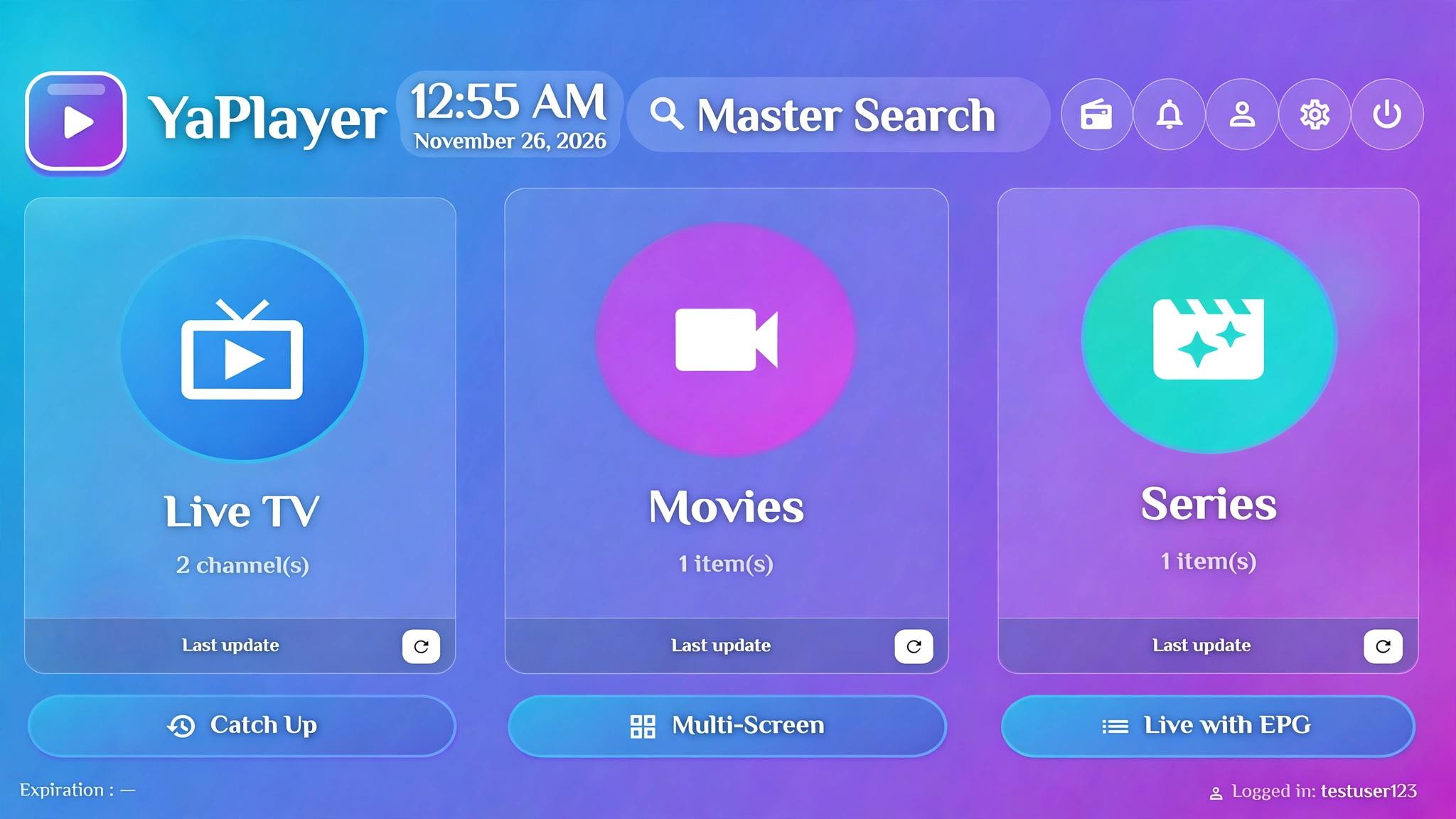
One app for your whole subscription — designed first for the big screen and your remote, and complete on mobile too.
All your live channels organised by category, with fast browsing, channel history and a list that never loses its place while you navigate.
Browse films and full series by category, open a poster with one OK press, and pick episodes from a list that opens right on the episode you are watching.
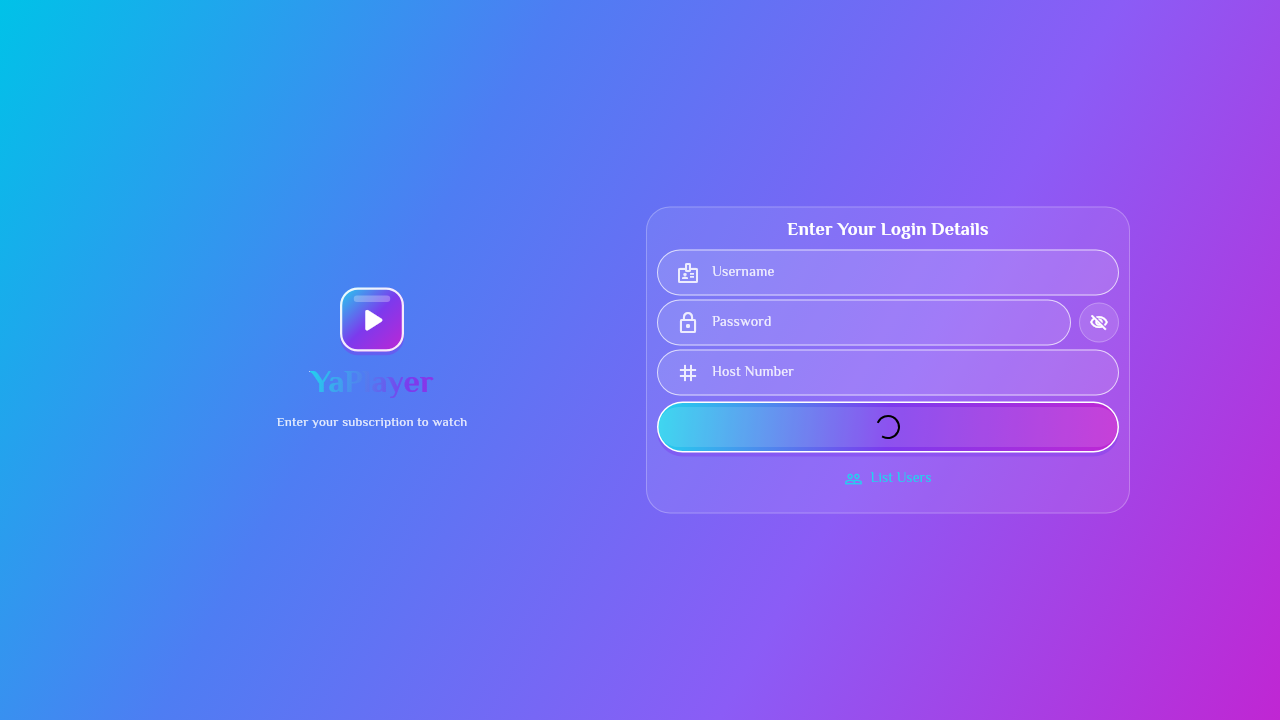
Sign in the standard way — server URL, username and password from your provider. Saved users let you fill your details again with one tap.
A full electronic programme guide so you can see what is on now and what is coming up next across your channels.
Missed a programme? Go back and watch shows that already aired on channels that support catch-up.
Watch live channels side by side with the guide — check the schedule without leaving what you are watching.
Follow more than one channel at the same time on a single screen — made for match days and busy evenings.
A built-in player is ready out of the box, and you can choose VLC or MX Player instead — separately for Live TV, Movies, Series, Catch Up, Recordings and Live with EPG.
Made for Android TV and TV Box: every screen, menu, setting and search result is reachable with the remote, with a clear highlight that grows on the item you are standing on. No mouse, ever.
Master Search on the home screen looks across everything at once. Inside Movies, Series or Live TV, search stays in that section — and in the exact category you have selected.
Mark the channels you love and find them instantly in their own Favorites list.
Pick up movies and episodes right where you left off, and use smart seek — hold the direction and the steps grow from a minute to more, then press OK to jump.
Check your connection from inside the app — ping, download and upload on a clear gauge, before you blame the stream.
A single install file for everything: 32-bit and 64-bit, TV Box, Android TV, phones and tablets — the same YaPlayer everywhere, no hunting for the right version.
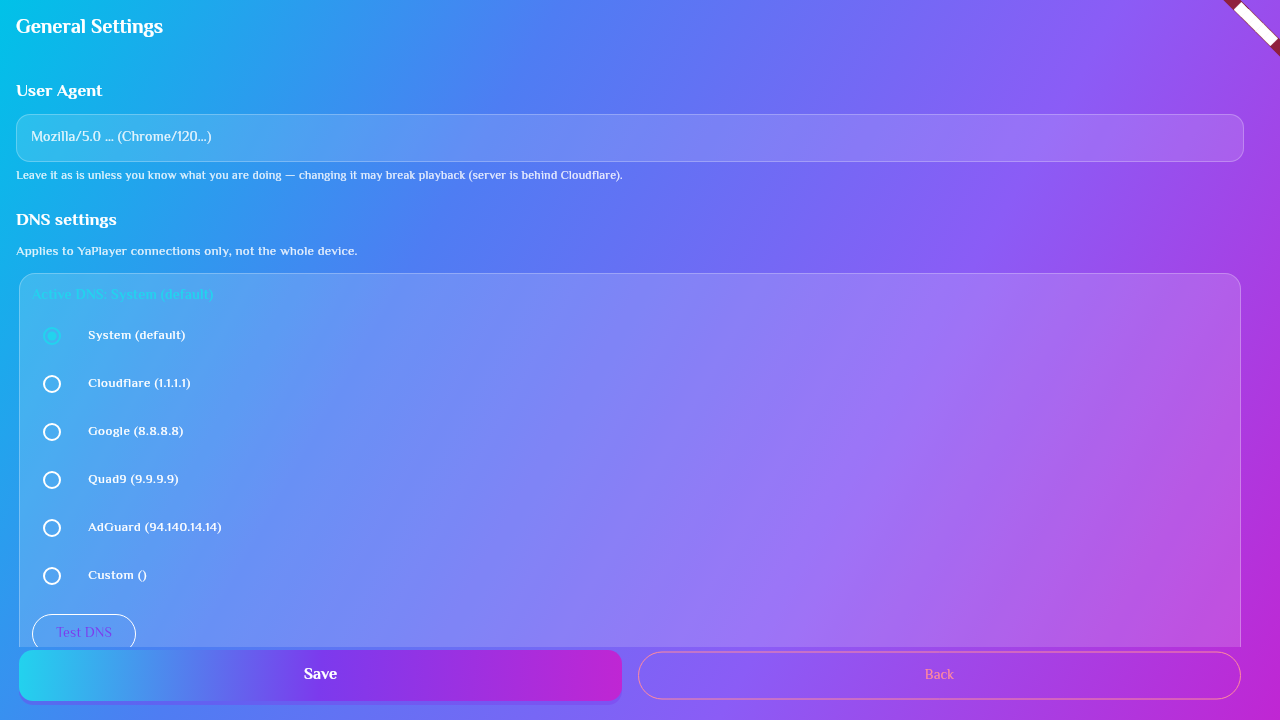
Real screens from YaPlayer on TV.
You bring your subscription — YaPlayer does the rest.
Install the single universal YaPlayer file on your TV Box, Android TV or phone. It works on both 32-bit and 64-bit devices, Android 5.0 and up.
Download the APKEnter the Server URL, Username and Password your provider gave you — the same details you use with any Xtream player.
Your channels, movies and series load into the home screen. Move with the arrows, press OK to play — everything, including settings and search, works from the remote.
One universal APK for your TV Box, Android TV, phone and tablet — version 1.3.9, about 27 MB, for Android 5.0 and up.
Download the APKFree to download — sign in with the Xtream Codes subscription from your own provider.
No. YaPlayer is a player only. You sign in with an Xtream Codes subscription you get from your own provider, and YaPlayer organises and plays it beautifully.
Any Android TV, TV Box, phone or tablet running Android 5.0 or newer. One universal APK covers both 32-bit (armeabi-v7a) and 64-bit (arm64-v8a) devices.
Yes. In Player Selection settings you can pick the built-in player, VLC or MX Player — separately for Live TV, Movies, Series, Catch Up, Recordings and Live with EPG.
No. YaPlayer is fully remote-driven: menus, search, the programme guide, settings and the speed test are all reachable with arrow keys and OK, with a clear focus highlight so you always know where you are.
From the home screen, Master Search looks across live channels, movies, series and programmes. From inside a section, search stays in that section — and if you have a specific category open, it searches only that category.